High CPU use when watching youtube.#
Configuration of PC
- Ubuntu 20.04
- i5-6600K
- 4*8Gb
- GTX 1050 (2G)
When watching a 4K@60fps video. The CPU usage can be around 80% and GPU usage is roughly 15%. At this time, Youtube uses vp9 as the codec.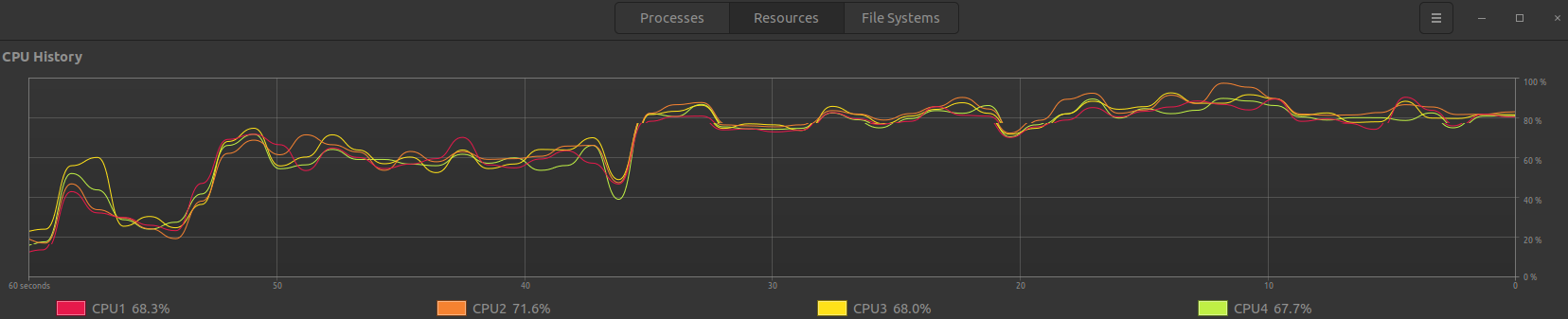
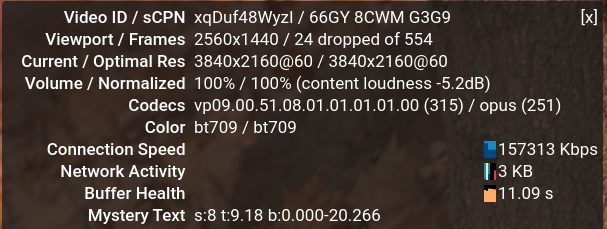
Solutions#
I have found two tutorials online. One is for Chrome as well as others. Another is forChromium. I am following the tutorial from the first one.
I enabled the following in Chrome:
| |
I have installed the following packages. This step is to install the VA-API to be able to decode media.
| |
The NVIDIA Driver Version is 460.39. Launch the browser using --use-gl=desktop to enable VA-API hardware acceleration.
| |
Problem#
After the previous steps. When playing the same video, I still have problems with high CPU usage. And the chrome://media-internals still shows that I am using FFmpegVideoDecoder. It should be MojoVideoDecoder which enables the GPU decoding.
Test using the extension h264ify#
The extension h264ify forces the youtube video to be played with h.264 videos. This solution worked, but the problem is that the 4k resolution is no long available. I can only play it with HD.
No h264ify extension and open chrome with --use-gl=desktop#
I uninstalled the h264ify extension and run chrome with --use-gl=desktop. Youtube videos cannot be played at all.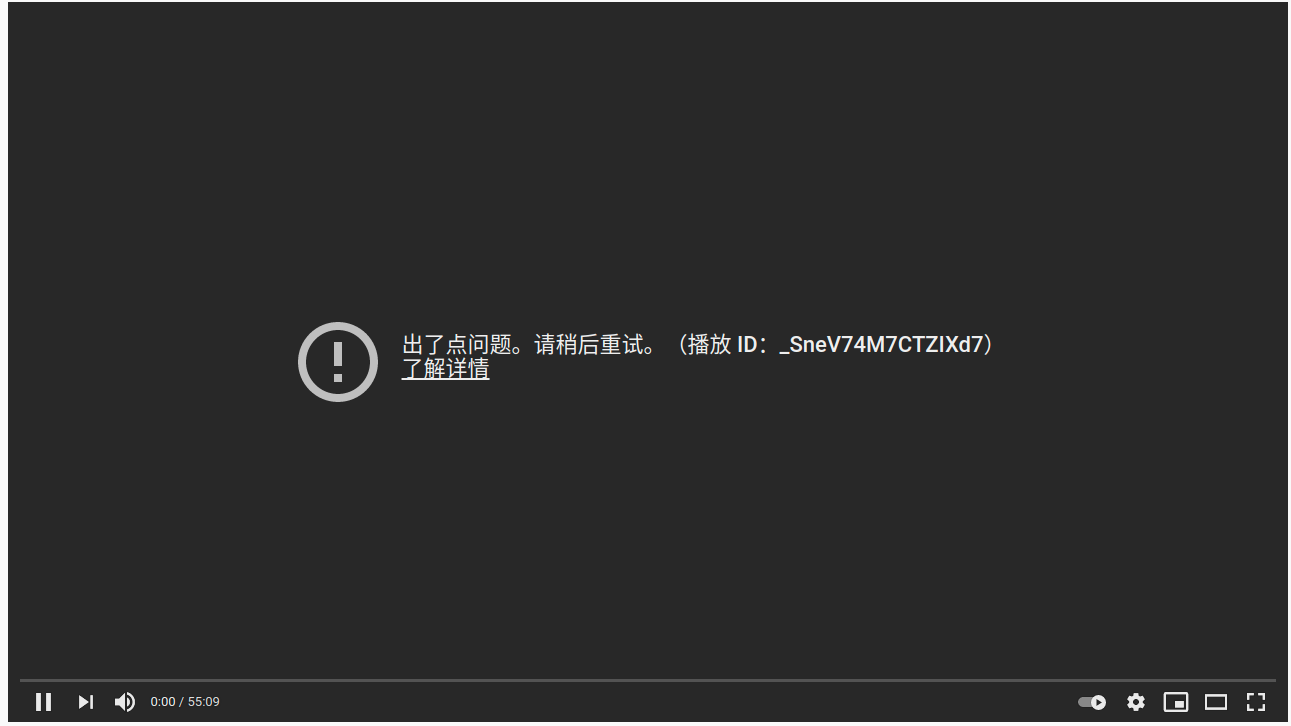
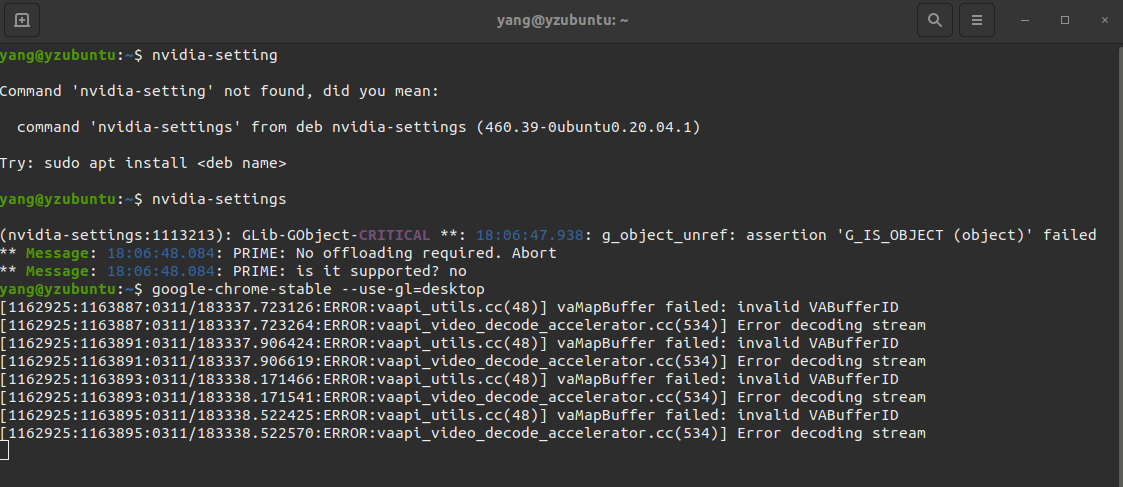
Discussion on this topic.#
The following links are for archive. I do not have a solution yet. The following links might be useful:
- Nvidia Discussion forum. An answer is:
Vdpau doesn’t decode VP9, therefore vaapi over vdpau also doesn’t decode VP9. You have never seen hardware-accelerated VP9 playback with chromium-vaapi and your old 1050Ti.
- An experimental Vdpau driver that supports vp9. Link
- Nvidia GPU support list. My GPU is GTX1050 (GP107)
- Chromium beta PPA.