Installation#
The installation is very easy. Just follow the instructions in this page. The main steps are:
| |
Check if postgreSQL server is running#
| |
Giving the following response
| |
This page is useful.
Create a database#
Refer to this page to learn how to create a database. By default installation, a new user ‘postgres’ will be added. We need to switch the our role to that account.
| |
Install pgadmin4#
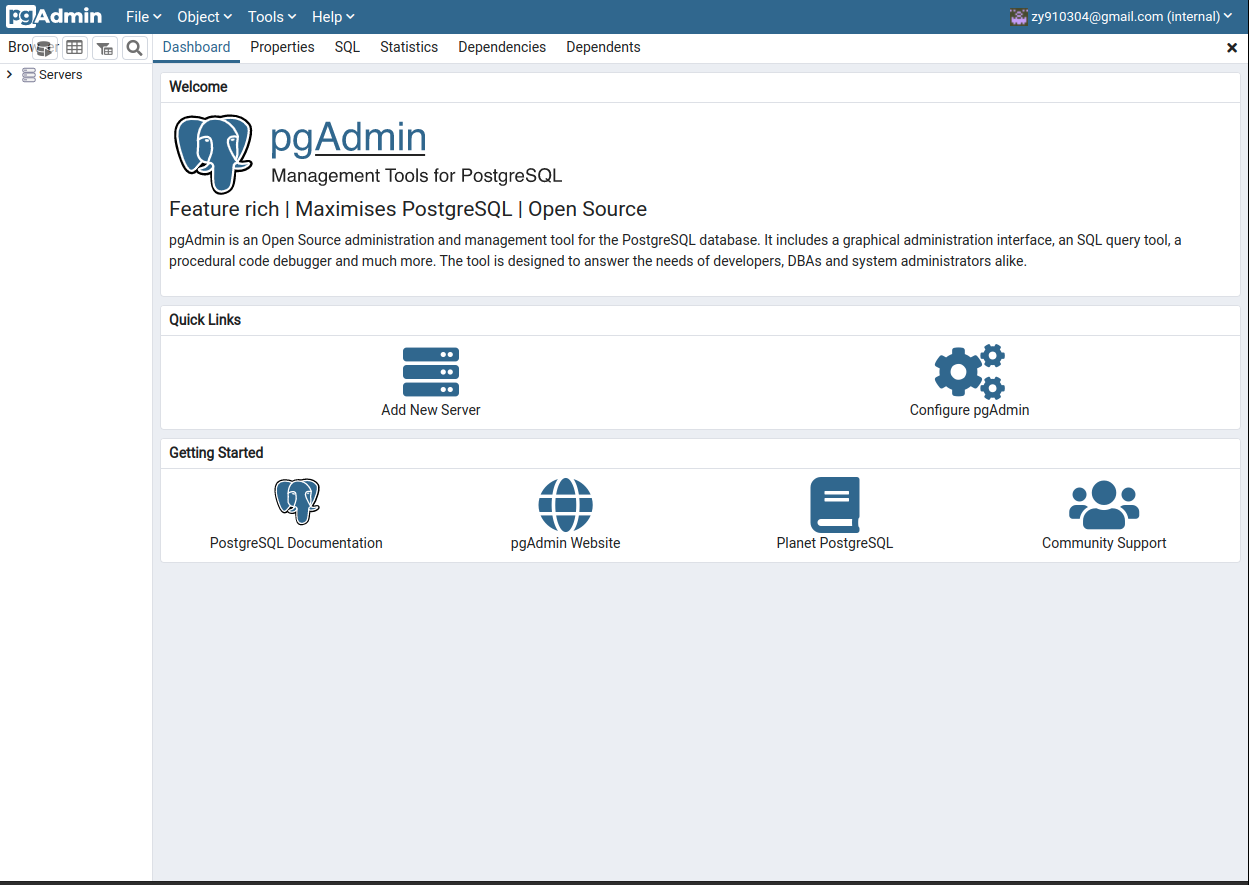
pgadmin4 is a GUI interface to help manage databases.
Trying install both desktop and web from APT.#
I have tried install both the desktop and web version. The installation guide is given here. However, I have met various problems after installation. The last step sudo /usr/pgadmin4/bin/setup-web.sh always gives errors.
The first error message is below:
1 2 3 4Setting up pgAdmin 4 in web mode on a Debian based platform... Creating configuration database... /usr/pgadmin4/bin/setup-web.sh: line 64: /usr/pgadmin4/venv/bin/python3: No such file or directory Error setting up server mode. Please examine the output above.This error seems easy to fix. Use the method in this link to fix the broken link.
1
2
3
cd /usr/pgadmin4/venv/bin/ readlink -v python3 sudo ln -sfn /usr/local/bin/python3 python3Second try
The second message is about Python libraries. pgadmin4 requires many python libraries to run. I tried to install withpip3. However, because I am using a local python, which is/usr/local/bin/python3. The installed libraries bypip3all went to a local place~/.localbecause of Defaulting to user installation because normal site-packages is not writeable. The pdadmin cannot configure because it cannot successfully import packages.Third try Afterwards, I have tried to create a virtual environment. But it did not succeed because of
No module named '_ctypes'. Possible solutions aresudo apt-get install libffi-devand re-install python. But I did not try and gave up the installation.
Install just the web version of pgadmin4.#
The official tutorial is very clear. I copied the main steps here.
| |
Enjoy it!#